ACH Return Codes Basics
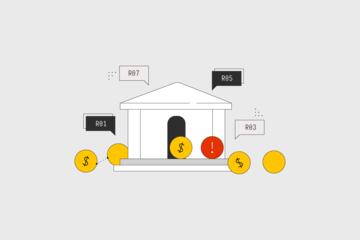
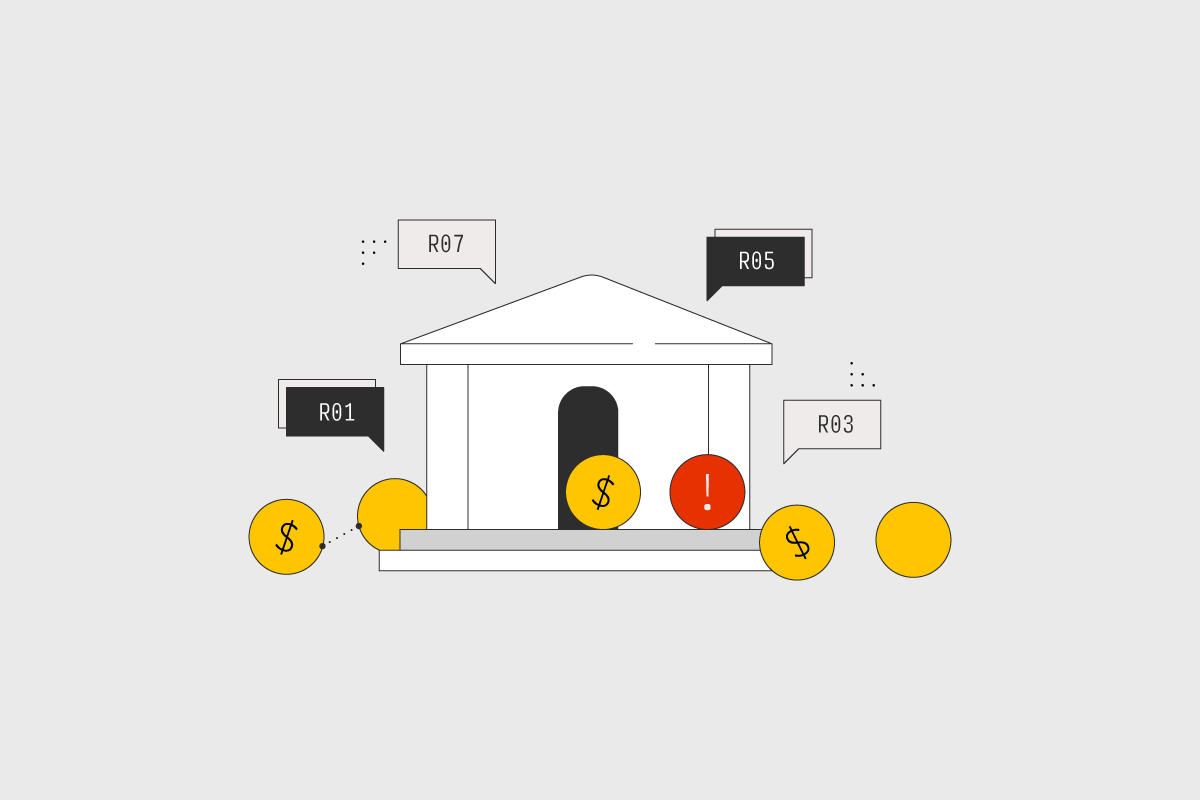
ACH return codes are standardized reasons a payment is sent back after an attempt to post. In the U.S., the Automated Clearing House Network uses return codes that banks and payment operators display on statements and remittance advice. R01, R02, and R03 are among the most common codes people encounter when a direct deposit, bill payment, or vendor payment fails to complete.
These codes do not describe every detail of what happened inside a bank. They map to a reason category that the originating bank and receiving bank agree on, then the payment is returned through the ACH system. That means the same code can show up for different underlying causes, depending on how the receiving bank interprets account information and authorization records.
For example, a rent payment submitted as an ACH debit can return with R01 if the account is closed, or with R02 if the account number is valid but the receiving bank cannot confirm it. A payroll direct deposit can return with R03 when the account is not funded or the receiving bank blocks the transaction. The code is a starting point, not a diagnosis.
What People Get Wrong
Many people treat a return code like a precise medical label for a payment, then act on assumptions. A code like R01 often triggers the wrong fix because the account might be closed, but the payment could also be returned due to a mismatch between the account holder and the account details the bank has on file.
Another common mistake is ignoring the payment type. ACH credits (like direct deposit) and ACH debits (like bill pay) use different authorization flows and different bank-side checks. The same return code can appear in both contexts, but the practical next steps differ because debits depend more heavily on authorization and account verification.
R01, R02, and R03 also depend on supporting systems that most consumers never see. The receiving bank checks account status, routing and account number validity, and sometimes the availability of funds or transaction limits. Those checks can be influenced by how the payment was originated, whether the account was recently changed, and whether the payment was submitted with correct identifiers.
As a small aside from working with payment data formats, many remittance notices show only the return code and a short description, not the full reason text. On a statement, you might see something like “R03—No Account/Unable to Locate” even though the bank’s internal notes include additional context. That gap is why you should verify the account details with the receiving institution rather than guessing.
How To Respond To R01
Confirm Account Status And Ownership
R01 typically indicates the receiving bank rejected the transaction because the account is closed. The practical response is to confirm the account status with the account holder’s bank and verify that the routing number and account number match the correct account. If you recently switched banks or changed accounts, the payment may still be using older information.
For ACH debits, the payer should also check whether the authorization is still valid. If the authorization was tied to a specific account that is now closed, the debit will fail even if the authorization record exists. A quick check in your payment portal or biller’s system can reveal whether the biller still has the old account on file.
Realistic outcome: after correcting the account details and resubmitting, many payments succeed on the next attempt, but timing matters. ACH processing windows and cutoff times can delay the next posting by one to two business days, and returns can take additional time to reverse.
Verify Routing And Account Numbers
R01 can also appear when the account information is inconsistent enough that the receiving bank treats the account as effectively closed. That can happen when a routing number is correct but the account number is transposed, or when a consumer provides a savings account number but the biller expects a checking account. Banks often validate the combination, not just each field separately.
Use the account details printed on a check or retrieved from your bank’s secure portal. Avoid copying from screenshots or emails that may have hidden characters. If you are using a bill pay service, compare the last four digits shown in the portal with the account you intend to use.
Small aside: some portals display “account ending in 1234” but not the full number, which makes it harder to detect a one-digit error. In that case, ask the biller to re-verify the account through their standard account validation workflow.
How To Respond To R02 And R03
Handle R02 With Account Verification
R02 generally indicates the receiving bank cannot locate the account using the information provided, or the account number is not valid for the routing number. This is different from R01 because the account might not be closed; the receiving bank simply cannot confirm it matches an open account.
Start by re-checking the routing number and account number. If you are a payer, confirm that the payee has the correct account details. If you are a biller or vendor, confirm that you are storing and transmitting the account information correctly and that you are not mixing account types.
Realistic outcome: after correcting the account details, the next ACH attempt often succeeds, but it depends on the receiving bank’s validation rules and whether the account is active. Some banks also impose transaction limits or require additional verification for certain account changes.
Address R03 With Funding And Limits
R03 typically indicates the receiving bank rejected the transaction due to insufficient funds or a similar inability to complete the payment. For ACH debits, this can reflect that the account does not have available funds at the time of processing. For ACH credits, the receiving bank may still reject based on account status or other checks, but the practical consumer action is usually the same: confirm the account has available funds and that no holds or restrictions block the transaction.
Check whether the account has recent deposits that have not yet posted, because “available balance” can differ from “current balance.” If you see a pending debit or a recent large withdrawal, the available funds may be lower than expected. Some banks also apply holds for new accounts or after changes to account settings.
Small aside: if you are tracking returns in a spreadsheet, include the transaction date and the effective date shown on the return notice. I’ve seen cases where the return date is later than the attempted posting, which makes it look like the payment failed “after” funds were added.
Educational Case Examples
Scenario 1 (R01): A consumer changes checking accounts after moving. Their employer’s payroll portal still lists the old account. The direct deposit attempt returns with R01. The consumer contacts the bank to confirm the old account is closed, updates the payroll portal with the new routing and account number, and resubmits the deposit change. The next payroll cycle posts after the employer’s processing cutoff.
Scenario 2 (R02 and R03): A small business uses a bill pay service to pay a vendor. The vendor’s remittance advice shows R02 on the first attempt. The business re-enters the vendor’s account details from the vendor’s invoice payment section and resubmits. The second attempt returns R03 because the vendor’s account has insufficient available funds at processing time. After the vendor confirms sufficient funds and removes a temporary hold, the next attempt succeeds.
Return Code Checklist And Comparison
| Return Code | Common Meaning | Most Likely Fix | What To Check First |
|---|---|---|---|
| R01 | Account closed | Update to an open account; confirm authorization tied to the right account | Account status with the bank; routing/account match |
| R02 | Account not found / invalid for routing | Re-enter and verify routing and account numbers | Correct account type; no transposed digits |
| R03 | Insufficient funds / unable to complete | Add funds; check available balance and holds | Available balance at processing time; recent holds |
Step-by-step checklist for consumers:
- Locate the return notice details: return code, transaction date, and whether the payment was a debit or credit.
- Verify the routing number and account number against the bank’s official source (checkbook or secure portal).
- Confirm account status with the bank: open/closed, and whether any holds or restrictions exist.
- For R03, compare “available balance” versus “current balance” and confirm funds timing.
- Update the payee or payroll portal with corrected details, then resubmit using the payee’s normal process and cutoff times.
If you manage recurring payments, keep a log with the last four digits and the date you updated the account. That record helps when a return happens after a change, which is when people most often forget which version they entered.
Common Mistakes To Avoid
One frequent mistake is changing the account number without confirming the account type. A biller might debit a checking account while you provide a savings account number, and the receiving bank may treat the account as not found or reject it. Another mistake is resubmitting immediately after a return without checking whether the payee has already updated the account details.
People also misread “available balance.” A deposit that posts later in the day can still show as unavailable during ACH processing. That mismatch can cause repeated R03 returns even after you add money, because the receiving bank evaluates funds at the time of processing.
Some consumers contact the wrong party first. If the return code appears on your bank statement, your bank can often confirm whether the receiving bank returned the item and what category the return code represents. The payee can confirm whether they stored the correct account details and whether the authorization is still active.
Finally, avoid relying on generic descriptions in third-party apps that translate return codes. A translation can omit nuance, and the bank’s own return reason text can differ by payment type. If you see a code but not the full description, request the return reason details from your bank’s ACH department or customer support.
FAQ
What Does ACH Return Code R01 Mean?
R01 usually indicates the receiving bank rejected the ACH item because the account is closed or treated as closed for processing. Verify the account status with the bank and update the payment to an open account.
How Do I Fix R02 On An ACH Payment?
R02 typically means the receiving bank could not locate the account using the routing and account number provided. Re-check the numbers against your bank’s official source and confirm the correct account type.
Why Would R03 Happen Even If I Added Money?
R03 often relates to insufficient funds or inability to complete at processing time. “Available balance” and holds can differ from “current balance,” so the funds may not have been available when the ACH was evaluated.
Does A Return Code Tell Me Who Caused The Failure?
No. The return code reflects the receiving bank’s reason category, not necessarily the originating party’s mistake. You still need to verify account details and authorization records on both sides.
How Long Does It Take For An ACH Return To Show Up?
Timing varies by bank and processing schedule. Returns often appear after the attempted posting and can take additional time to reverse, so check both the transaction date and the return posting date on your statement.
Author's Insight
ACH return codes map to standardized reason categories, but the code alone rarely explains the full chain of events. R01, R02, and R03 point to account closure, account lookup failure, and funding or completion issues, respectively, yet the underlying checks happen at the receiving bank. Consumers get better results by verifying routing and account numbers from the bank’s own sources and by checking “available balance” rather than assuming the current balance is usable. When returns repeat, the fastest path is usually to correct the stored account details and confirm authorization status with the payee, then resubmit after the payee’s cutoff.
Key Takeaways
- R01 commonly signals a closed account; update to an open account and confirm authorization ties to the right account.
- R02 commonly signals an account lookup failure; re-verify routing and account numbers and the correct account type.
- R03 commonly signals an inability to complete due to funds or restrictions; check available balance and holds at processing time.
- Use the return notice details (code, date, debit vs credit) to decide who to contact and what to correct before resubmitting.